
We’re pleased to announce that Houzez Property Feed now supports importing properties from miogest, making it easier for estate agents using the Italian real estate CRM to display their property listings on a Houzez-powered WordPress website.
If you’re using miogest to manage your property portfolio and have a website built with the Houzez theme, you can now connect the two using Houzez Property Feed.
In this guide, we’ll explain what miogest is, how the integration works, and how to set up automated property imports.
What is miogest?
miogest is an Italian real estate CRM designed to help estate agents manage their properties and day-to-day operations.
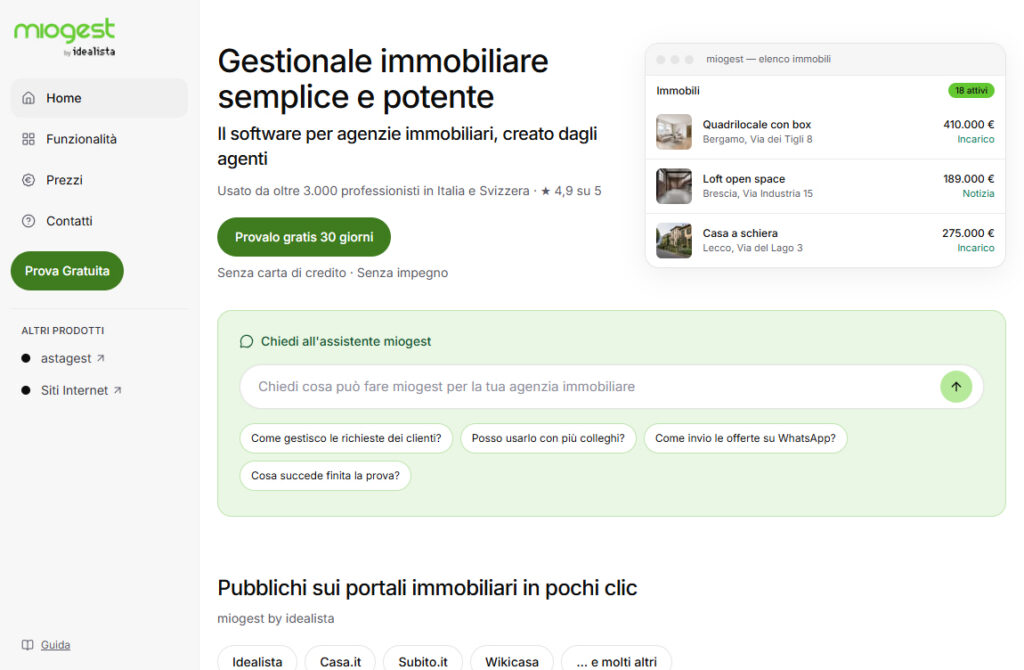
The platform provides tools for managing property listings, contacts and other aspects of running an estate agency, making it a useful central system for agencies managing their property portfolios.
For estate agents using miogest alongside a WordPress website built with Houzez, keeping property listings consistent between the two systems is an important consideration.
Rather than manually adding and updating properties in WordPress, an automated property import can take care of much of that work.
Introducing miogest Support in Houzez Property Feed
With the latest addition to our growing list of supported property feed formats, Houzez Property Feed can now import property listings from miogest into the Houzez WordPress theme.
The integration works using an XML feed generated by miogest. Once you have the URL of this feed, you can enter it into Houzez Property Feed and configure an import.
Houzez Property Feed then reads the XML data and uses it to create or update property listings on your website.
This allows you to continue managing your properties within miogest while using Houzez to display them to visitors on your WordPress website.
How to Import Properties From miogest to Houzez
Setting up a miogest import is straightforward. All you need is Houzez Property Feed installed on your WordPress website and the URL of your miogest XML feed.
Step 1: Obtain Your miogest XML Feed URL
First, you’ll need the URL of the XML feed containing your property listings.
If you’re unsure where to find this, contact miogest or check your account settings for the relevant export options.
The URL should point to the XML file containing the properties you want to import into Houzez.
Step 2: Create a New Import in Houzez Property Feed
Log in to your WordPress admin area and navigate to the Houzez Property Feed import section.
Create a new import and select miogest from the list of available import formats.
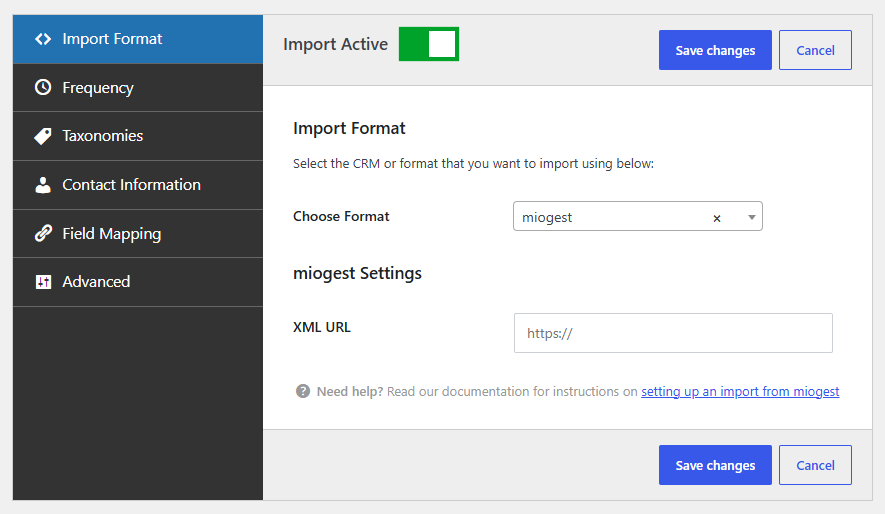
Step 3: Enter Your XML Feed URL
Once you’ve selected miogest, enter the URL of your XML feed into the relevant field.
This is the only connection detail required for the miogest integration. There’s no need to enter separate API credentials or configure a complicated connection.
Step 4: Configure Your Import Settings
As with other imports in Houzez Property Feed, you can configure the relevant import settings to suit your website.
This includes mapping values from the incoming feed to the corresponding options in Houzez, where required.
You can also configure how frequently the import should run, depending on how often your property listings change.
Once you’re happy with your settings, save the import and run it to bring your miogest properties into Houzez.
Keeping Your Property Listings Up to Date
One of the biggest benefits of importing properties from miogest is that you don’t need to maintain the same listings manually in two different systems.
For example, if a property price changes in miogest, that change can be reflected on your Houzez website the next time the import runs, provided the updated information is included in the XML feed.
The same applies when new properties are added or existing property details are updated.
By scheduling regular imports, you can keep your website in sync with the information supplied by miogest without having to repeatedly enter property details into WordPress.
This is particularly useful for agencies managing larger portfolios or making frequent updates to their listings.
Why Use Houzez Property Feed With miogest?
Houzez Property Feed is designed specifically for importing property listings into the Houzez WordPress theme.
Rather than using a general-purpose WordPress importer, you can use a plugin that understands the property data structure used by Houzez.
With the new miogest integration, you can take advantage of this functionality using the XML feed supplied by your CRM.
Once configured, the import process can run automatically in the background, allowing you to focus on managing your properties in miogest rather than duplicating that work on your website.
Get Started With miogest and Houzez
Support for miogest is now available in Houzez Property Feed.
If you’re already using the plugin, make sure you’re running the latest version to access the new import format.
If you’re new to Houzez Property Feed and want to connect your miogest property listings to a Houzez website, you can get started using the links below.